
Prerequisites:
- Node.js 19 or higher
- The D-Sports docs repo with a
docs.jsonfile at the root
Preview locally
Custom ports
Use the--port flag to run on a different port:
Keeping the CLI up to date
If the local preview doesn’t match production, update the CLI:Validating links
Check for broken internal links:mint validate to check that the docs build correctly.
Deployment
When you push to the default branch, the docs deploy automatically (if the repo is connected via the Mintlify GitHub app). The live site is docs.d-sports.org.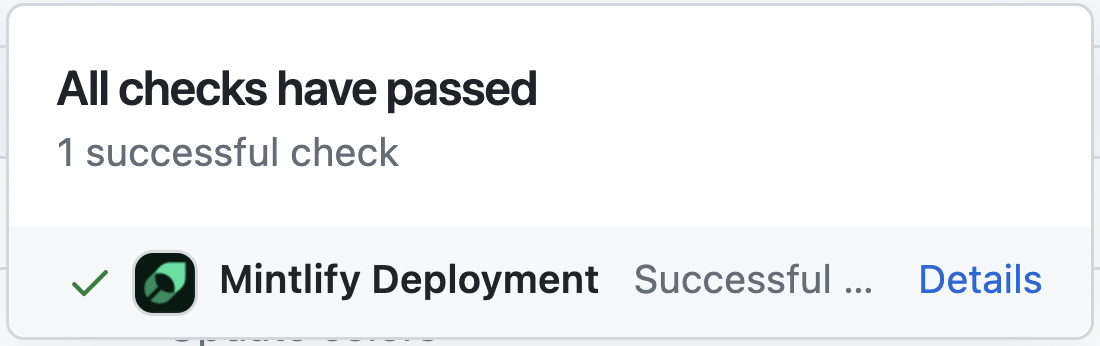
Code formatting
Use IDE support for MDX: for example, the MDX VSCode extension for syntax highlighting and Prettier for formatting. See AGENTS.md in the repo for D-Sports docs style and the Mintlify skill.Troubleshooting
Error: Could not load the "sharp" module using the darwin-arm64 runtime
Error: Could not load the "sharp" module using the darwin-arm64 runtime
Often caused by an outdated Node version. Try:
- Remove the CLI:
npm remove -g mint - Upgrade to Node v19 or higher.
- Reinstall:
npm i -g mint
Unknown error or odd behavior
Unknown error or odd behavior
Delete the
~/.mintlify folder on your machine, then run mint dev again.